


MCP for Autonomous Storefronts: Building Self-Healing Agent Loops


On April 2, Guilherme Rodrigues presented MCP for Autonomous Storefronts: Building Self-Healing Agent Loops at MCP Dev Summit North America in New York. The session covered how we're using MCP to build storefronts that detect their own issues, fix them, and improve their own performance, with examples from production stores.
High-volume storefronts are always bleeding
Broken images, latency spikes, crawlers hammering search filters, third-party scripts degrading performance. There are always more problems than any human team can keep up with, and every minute of downtime costs real revenue. We've been running hundreds of enterprise storefronts for three years, and the pattern is consistent: the surface area of things that can go wrong grows faster than the team that watches over it.

We've been working on a different approach: storefronts that detect their own issues, fix them, and improve their own performance over time. This post walks through the five steps we follow to get there, from centralizing tools in MCP servers to letting specialized agents collaborate via git.
The shift from enabling to doing
Soren Larson put it well in You Must Just Do Things: the AI application layer is still mostly building tools that help humans do things faster. The real value shift is toward software that can own outcomes, software that does the work rather than enabling someone else to do it.
“The B2B AI app layer is stuck 'enabling' in a world that actually prizes 'doing'.”
That distinction matters. We are not building dashboards that help engineers find problems faster. We are building systems that find problems and fix them. The end state is a storefront that corrects itself when something breaks and improves itself when there is an opportunity, with humans involved only where judgment is required.
Five steps to autonomous storefronts
Getting to autonomy is a progression. Each step builds on the previous one, and you can't rush all the way to the end without mastering each one first.
Centralize tools with MCP
Add domain knowledge as skills
Use agents on demand
Add triggers
Let agents collaborate
Centralizing tools and knowledge
Step 0: Turn APIs into MCP servers
The foundation: every system your team relies on becomes an MCP server. For us, that started with VTEX, the e-commerce platform most of our Brazilian customers use. VTEX publishes OpenAPI specs for all 68 of their API domains. We wrote a pipeline that reads those specs and generates MCP tools automatically. 710 tools, one day of work, covering catalog, orders, pricing, logistics, payments, and everything else. When VTEX adds a new API, the pipeline picks it up on the next run.

Beyond VTEX, we connected ClickHouse for analytics, GitHub for code, and HyperDX for error monitoring. Our MCP gateway centralizes all of these behind a single protocol with consistent authentication and governance.
Step 1: Teach agents what to look for
Step 1 turned out to be just as important as step 0. Giving an agent access to your monitoring API is not enough if it doesn't understand your types of errors, your log formats, or what a healthy storefront looks like in your infrastructure. We codified three years of storefront optimization experience into a storefront skills repository: patterns, heuristics, and domain knowledge that agents can reference alongside the tools.
An agent with access to an error monitoring API but no knowledge of which errors matter will surface everything. The skills layer tells agents what to look for, what's normal, and what requires action. It's not only about giving access to an API. Your data has formats and semantics that you need to teach to agents too.
When agents see what dashboards miss
Step 2: Agents on demand
The first major result came from Fila's Brazilian store. The site was experiencing high latency across all pages. The team could see it in dashboards but couldn't identify the cause. We gave an agent access to CDN event data and error logs, and it found the answer in a single pass: a crawling bot was performing a filter explosion on product listing pages, combining every available filter in a loop and generating massive amounts of useless traffic. The pattern was split across two different monitoring systems. No dashboard had been designed to surface it.

The bot had burned 4.5 TB of bandwidth in 15 days and collapsed the cache hit rate from 41% to 13.7%. The pattern was hidden across CDN, WAF, and origin metrics. No single dashboard surfaced it. The fix, updating robots.txt and CDN blocking rules, dropped bandwidth 97% overnight. The broader point: dashboards answer questions you thought to ask ahead of time. Agents can surface patterns you didn't know to look for.
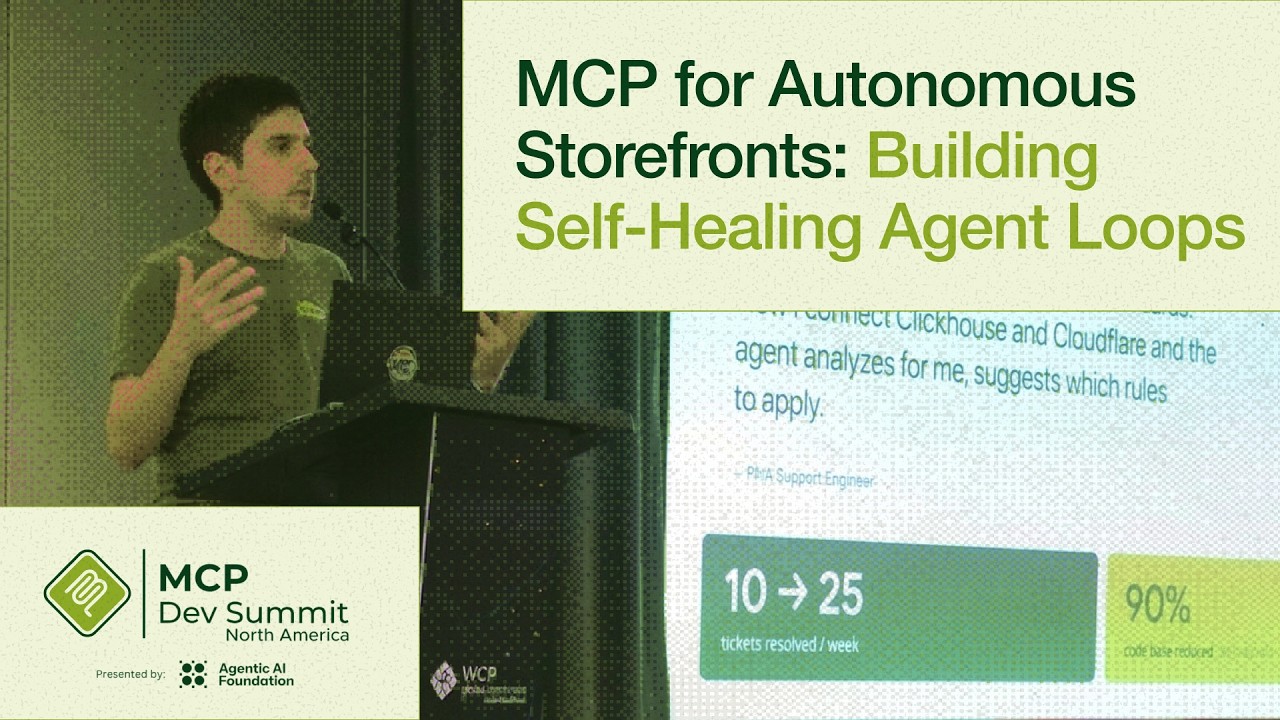
“I used to manually filter Cloudflare dashboards. Now I connect ClickHouse and Cloudflare and the agent analyzes for me, suggests which rules to apply.”
From on-demand to always-on
Step 3: Triggers and scheduled agents
Steps 0 through 2 are about humans using agents when they need them. Step 3 removes the human trigger. We built a system health agent that monitors CDN data and error logs every two minutes, per customer. When it detects a latency spike or error rate anomaly, it posts a report to Discord and creates a Linear issue with its analysis. No human has to be watching a dashboard.
On-demand agents (Steps 0-2)
- Human decides when to ask for help
- Engineer has to notice a problem first
- Coverage limited to working hours and attention
- Reactive: problem → investigate → fix
Triggered agents (Steps 3-4)
- Agent monitors continuously on schedule
- Anomalies detected within minutes
- 24/7 coverage across all customer sites
- Proactive: detect → diagnose → propose fix
Step 4: Agents that collaborate
The final step is letting agents work together. The system health agent posts a GitHub issue with its diagnosis. A developer agent picks up the issue and proposes a PR. Right now, a human still reviews and merges. As verification improves, the goal is for this loop to close on its own for verifiable fixes.
It's easy to get frustrated when agents don't one-shot a solution. What we're seeing is that it's much more about creating small agents that do one part of the job well and then helping them collaborate.
Beyond healing: improving conversion
The same approach that fixes problems can also improve outcomes. We're working on this with Farm, one of Brazil's largest female fashion retailers. Their product listing pages have hundreds of products, and manually curating the order of every collection at scale isn't feasible. Conversion data showed that high-performing products were buried where shoppers never scroll.
We built an agent that analyzes conversion data and reorders product collections daily. The agent runs a machine learning model, talks to the VTEX MCP to update product ordering, and operates autonomously on a schedule.
But automation alone is not enough for brand-sensitive work. Marketing teams want to participate in merchandising decisions. This is where MCP Apps come in: MCP servers can expose full UIs alongside their tools, so human stakeholders can review, adjust, and approve what the agents propose. The agent handles the analysis. The human provides the judgment.
When should agents be autonomous?
A useful framework for deciding where to draw the line comes from Sequoia's Services: The New Software, which separates work across two dimensions: intelligence and judgment.
Intelligence
- Complex but rule-based: coding, debugging, monitoring, data analysis
- Output can be verified with clear criteria
- Autopilot: sell the work, deliver the outcome directly
Judgment
- Requires experience, taste, and instinct: brand, strategy, culture fit
- Reasonable people would disagree on the right answer
- Copilot: sell the tool, human retains decision authority
The practical question is not whether to automate. It's how much autonomy each task deserves. Verifiable tasks get full autopilot. Judgment-dependent tasks get an interface for human review. Building the right boundary between these two is the core design challenge.
The objective is not to get it right on the first try. The objective is to learn what rails are missing so that agents can be more and more autonomous. What rail is missing? That is the fundamental question.
Key takeaways
MCP as infrastructure
One protocol for tools, apps, and governance. The same MCP servers that agents use also serve human interfaces. Build once, serve both.
Autonomy is a progression
Centralize tools. Add domain knowledge. Use agents on demand. Add triggers. Let agents collaborate. Each step builds on the last. Skipping ahead doesn't work.
Intelligence vs judgment
Verifiable tasks get autopilot. Tasks requiring taste or brand sense get human-in-the-loop interfaces. The boundary between the two is where the design work lives.
Open-source repos we use for this:
- storefront-skills: domain knowledge for e-commerce agents
- mcps: open-source MCP servers (HyperDX, ClickHouse, and more)
- deco Studio: MCP gateway and control plane
See these agents live at VTEX Day 2026
Everything described here is running in production. We're showing live demos of self-healing storefronts, autonomous product ranking, and the full MCP infrastructure behind it. Come talk to us about your use case.


