


In the previous post, we argued that scaling AI inside an enterprise is an operating problem: how tools and data are exposed, controlled, observed, and paid for as usage spreads across teams and environments.
We saw this firsthand throughout 2025 while building alongside design partners who were early to agentic workflows. In almost every case, the pattern was the same: a few proof-of-concepts that looked promising, followed by the hard part—shipping agents that close the loop and deliver reliable outcomes in real systems. That's where the bottlenecks showed up repeatedly: connection sprawl, missing observability, inconsistent permissions, and rising costs without attribution.
Those constraints pushed us toward context infrastructure: treating MCP traffic as a first-class production surface. That's what the MCP Mesh is. We originally built it as an internal layer to ship these systems with customers. This release turns that layer into a self-hosted component and shares it with the open-source community—because many platform teams seem to be running into the same issues.
Why teams end up paying an "integration tax"
Once you move beyond a few PoCs, you start paying for MCP integrations in three places at once:
- Engineering time: fragile, duplicated integration logic spread across codebases
- Operations: debugging without a single source of truth
- Risk + cost: policies enforced inconsistently (or not at all), no attribution, weak guardrails
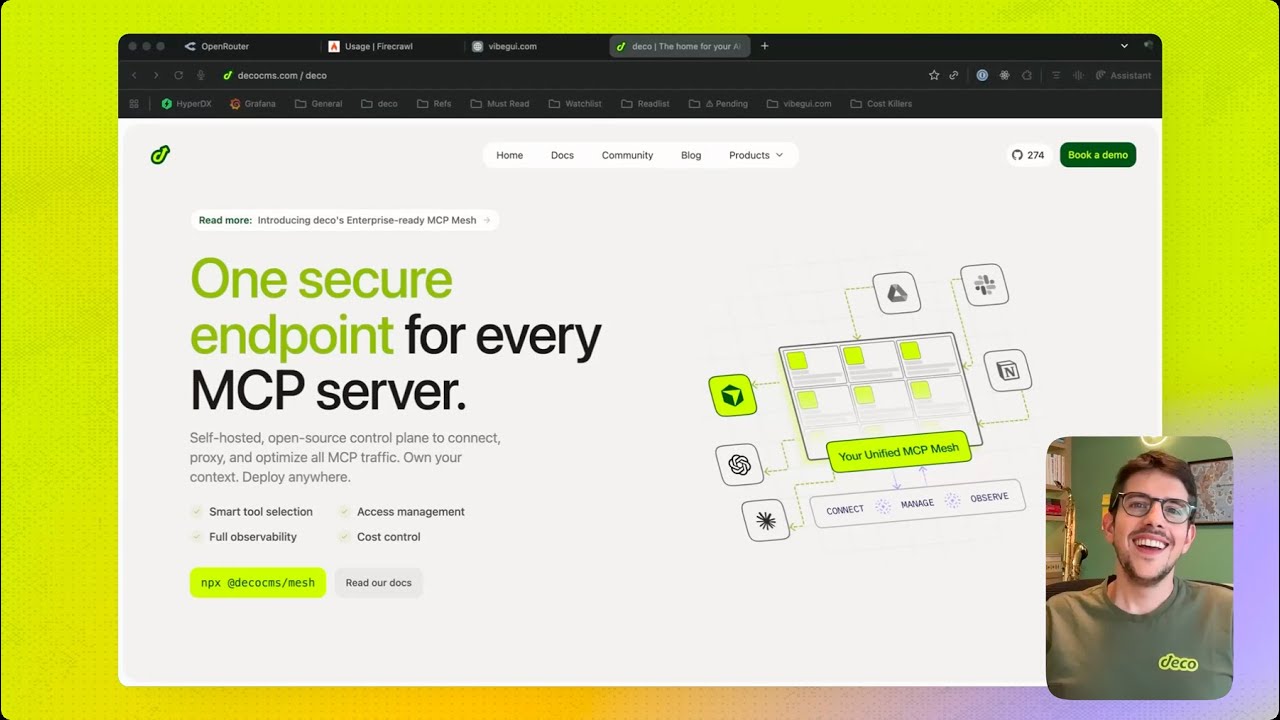
An MCP Mesh is our answer to that: a self-hosted control plane that sits between your apps/agents and your MCP servers, so you can manage MCP traffic like any other production surface—with routing, access control, observability, and runtime strategies.
What the MCP Mesh is (and where it sits)

The MCP Mesh sits between your applications (agents, internal tools, IDE clients) and your MCP servers.
Your code integrates with one endpoint. Behind that endpoint, the mesh can call any MCP server—GitHub, Jira, internal databases, custom tools, even LLM providers exposed as MCP—while centralizing the concerns you don't want reimplemented across every app:
Routing + execution
which MCP to call, how to authenticate, how to retry, how to fail
Policy enforcement
who (team/user/agent) can access which tools and data
Observability
logs, traces, latency, errors across MCP calls and model calls
Cost + rate controls
attribution and enforceable guardrails. Coming soon
Runtime strategies
different ways to expose tools and context depending on latency/cost/accuracy needs
This is the difference between "we connected tools to agents" and "we can operate tool access in production."
Core primitives (what it's built from)
What teams need as MCP moves into production
Phase 1: Connect & Debug

First you need it to run end-to-end. Most teams do this with ad hoc integration logic. The mesh is about making that step fast without creating long-term sprawl.
Deploy anywhere
The mesh is self-hosted by design with zero-config for local setup.
Other typical setups:
- Docker Compose (SQLite or Postgres)
- Bun/Node runtime
- Kubernetes via Helm
Connection consolidation (and dev-time tunneling)
Instead of managing eight MCP server connections in your client—each with separate config and auth—you configure one endpoint. All your organization's MCP traffic flows through it.
We also support dev-time tunneling (deco.host) so you can run and test MCP servers locally during development without publishing them.
Phase 2: Control

Once it works, it needs to work reliably, securely, and predictably.
This is where teams typically discover they don't just need "an MCP aggregator"—they need a control plane.
Observability
Without centralized observability
- no audit trail
- hard-to-debug failures
- limited ability to attribute latency/costs
- avoidable compliance risk
With the mesh
- unified logging of model calls and MCP tool invocations
- latency tracking per provider
- error rates and traces across multi-step workflows
When something breaks, you can see the chain: which MCP call failed, how long it took, what it returned, and what happened next.
Cost Control
Token-level cost tracking by team/user/agent/application, plus guardrails like budget caps and rate limits.
Governance & Security
Role-based access control at the model, MCP, and tool level. Policies enforced at the control plane, not duplicated across apps. Audit logs suitable for regulated environments.
The goal is to make "safe by default" the easiest path.
Phase 3: Optimize (runtime strategies as gateways)
Once agents run in production, a new problem shows up: they work, but they get slow and expensive as tool surfaces grow.
The Tool Discovery Problem
The naive approach is to describe every tool to the model on every call. That's workable with a small toolset. It breaks when you have dozens of MCP servers and hundreds of tools: context balloons, latency climbs, and tool selection gets harder.
Concrete example: 50 MCPs × 10 tools each = 500 tools. Even if descriptions are short, you can spend a meaningful chunk of the context window just listing capabilities—paying in tokens and time, often with worse tool selection.
Gateways: one endpoint, different exposure strategies
Internally, we started modeling "runtime strategies" as gateway implementations.
A gateway still gives you one endpoint (usable from Cursor, Claude Desktop, internal agents, etc.), but it changes how tools are exposed:
Full context mode (passthrough)
expose everything, always. Simple, deterministic, best for small tool surfaces.
Smart tool selection
a two-stage approach that narrows the toolset before execution.
Code execution mode
instead of describing tools in detail, let the model write code against a constrained interface and run it in a sandbox (useful for larger surfaces and multi-step logic).
Gateways are configurable and extensible. You can create new gateways, experiment with different strategies, and adopt whichever one fits your latency/cost/accuracy constraints.
Phase 4 — Compose & extend (from gateways to durable capabilities)

Over time, teams stop thinking in one-off agents and start building reusable components. Two things matter here:
Virtual MCPs: bundling and curation
Because gateways can choose what to expose, they can also become a way to curate and bundle tools from multiple MCP servers into a single "virtual MCP."
That's useful even before you have a full app framework:
- bundle the few tools an agent should have (and nothing else)
- present stable interfaces even as underlying MCP servers evolve
- create purpose-built toolsets per team or environment
This bundling/curation logic is also how we think about MCP apps (coming soon): packaging durable capabilities that can be shared across teams—and eventually distributed more broadly through a store.
Bindings: keep apps stable while tools change
At enterprise scale, tools change constantly—vendors, internal systems, schemas, ownership. If every app is coupled to a specific MCP implementation, your agentic layer becomes brittle.
Bindings define contracts for common capability types (collections, agents, workflows), so apps can target the contract instead of the provider. Swap the MCP behind the interface, keep your UIs and workflows intact.
Collection bindings
a standard interface for "things that contain other things."
Agent bindings
a standard interface for AI agents, independent of provider.
Workflow bindings
a standard interface for deterministic multi-tool orchestration.
(We'll go deeper on agent/workflow bindings in a future post.)
Multi-tenancy
With contracts and shared interfaces, the same application code can work across teams with different permissions and toolsets—without branching your system into per-team variants.
The middle path: consolidate what you must, stay flexible where you can
There's a tension we keep seeing: build everything yourself, or integrate a dozen tools and live with sprawl.
Our approach is to centralize the infrastructure you shouldn't rebuild repeatedly—connections, governance, observability, routing, cost controls—while keeping the edges composable. When a strong MCP server appears (vendor, internal, open source), you can adopt it. When you need something domain-specific, you can build it. When implementations change, your contracts can stay stable.
The interesting part is what happens over time: your investment compounds instead of fragmenting.
Product Roadmap
Available Now (Q4 2025):
Coming up Q1 2026:
- Studio foundation: bindings for agents, workflows, views
- MCP App support (virtual MCPs with QuickJS)
- Version history for mesh configs
- NPM package runtime
- Visual workflow builder
- Unified wallet: cost tracking + analytics
- Self-optimizing runtime selection
- Prebuilt module: blogpost generator
Feedback from our clients and community shape this roadmap.
Get started
npx @decocms/meshWhy we're starting here
The MCP Mesh solves the immediate infrastructure problems teams hit when MCP moves into production: sprawl, missing visibility, inconsistent policies, and costs without attribution.
More importantly, it makes the next step practical: turning one-off agent setups into reusable capabilities that can be packaged, governed, and shared—without rewriting integrations every time.


